
Stop typing. Start talking.
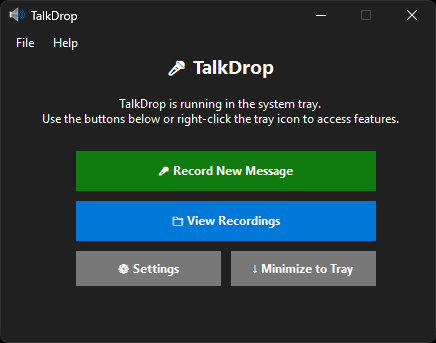
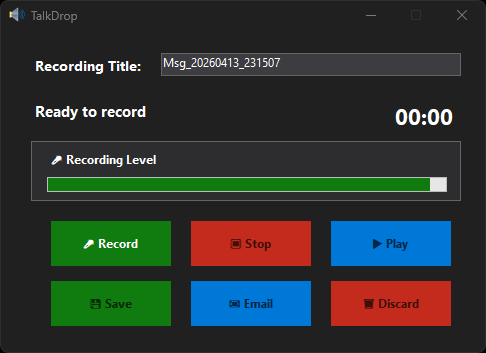
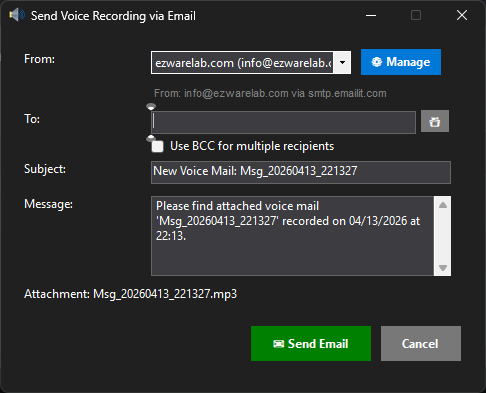
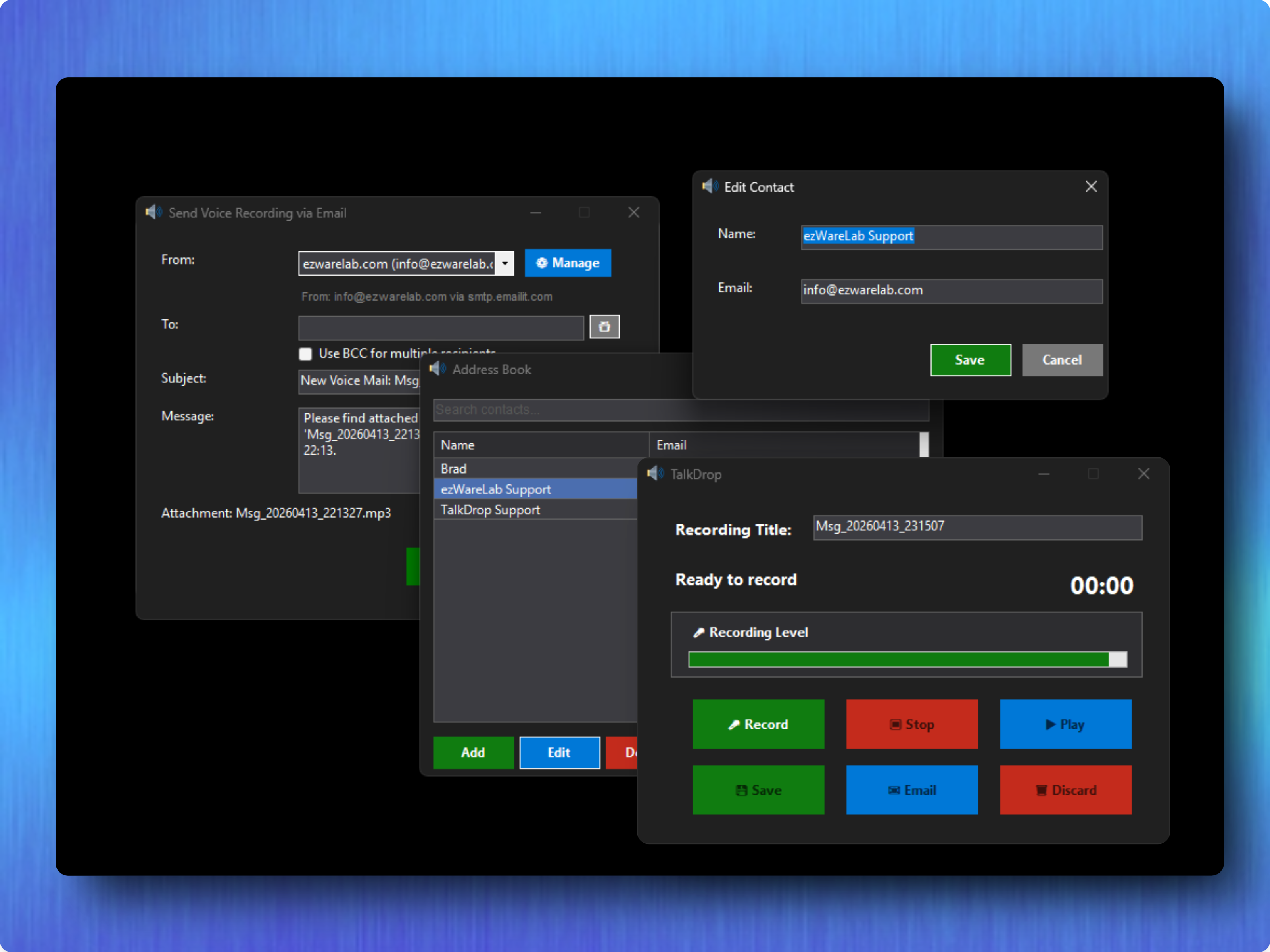
TalkDrop is a lightweight Windows desktop app that lets you record voice messages and send them by email — all from your system tray. No complicated setup, no extra software. Just click, talk, and send.
Your license is locked to your computer's Hardware ID. You can find your Hardware ID in the app under Help → About (click it to copy). Provide it during checkout and you'll receive a license file by email. Install it through Help → Registration and restart the app. That's it.
System requirements: Windows 10 or later
What is TalkDrop?
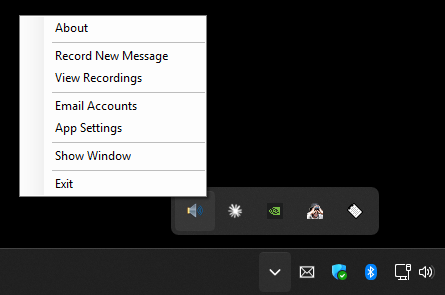
TalkDrop is a lightweight Windows desktop application that lets you record voice messages and send them directly by email. It runs in your system tray for quick, always-available access.
What operating systems does TalkDrop support?
TalkDrop runs on Windows 10 and later.
Is TalkDrop free to use?
TalkDrop is free to try with no time limit. Unregistered users can record messages up to 1 minute long. A registered license removes the recording limit and unlocks all features.
What audio format are recordings saved in?
All recordings are saved as MP3 files for universal compatibility.
What does a registered license unlock?
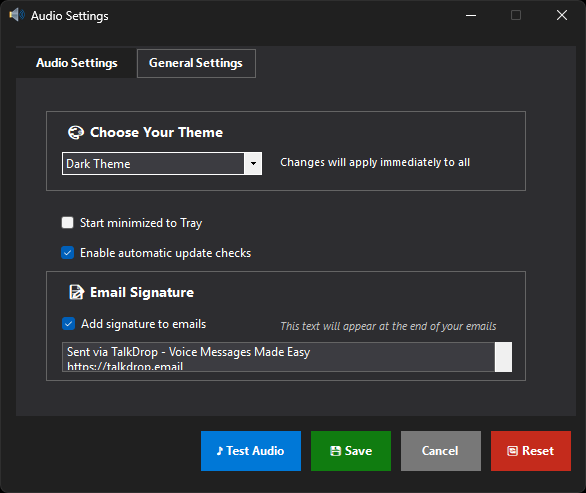
Unlimited recording length, custom email signatures, no nag screens, and priority support.
What is a Hardware ID?
A unique code generated from your computer's hardware, used to lock your license to your machine. Find it in the app under Help ? About (click it to copy).
How do I purchase a license?
Go to Help ? Purchase a License in the app. TalkDrop will offer to copy your Hardware ID, then open the store. Provide your Hardware ID during checkout. You'll receive a license file by email.
How do I install my license?
Go to Help ? Registration, click Open License, browse to your TalkDrop.license file, and click OK. Restart TalkDrop to complete registration.
Can I use my license on multiple computers?
Each license is tied to one computer. You'll need a separate license for each machine.
I replaced my hardware. Can I transfer my license?
Yes. Contact support to transfer your license to new hardware.
Which email providers does TalkDrop support?
Any provider that supports SMTP — Gmail, Outlook, Yahoo, and custom mail servers.
How do I set up Gmail?
Gmail requires an App Password. Go to Google Account ? Security ? App Passwords, generate one for "Mail", and use it in TalkDrop. SMTP: smtp.gmail.com, Port: 587.
Are my email passwords stored securely?
Yes. All passwords are encrypted with AES-256 and stored locally on your machine.
Does TalkDrop work with screen readers?
Yes. All controls have descriptive labels. Compatible with NVDA, JAWS, and Windows Narrator.
Can I use TalkDrop without a mouse?
Every function has a keyboard shortcut — record, play, save, email, and full navigation.
TalkDrop doesn't detect my microphone.
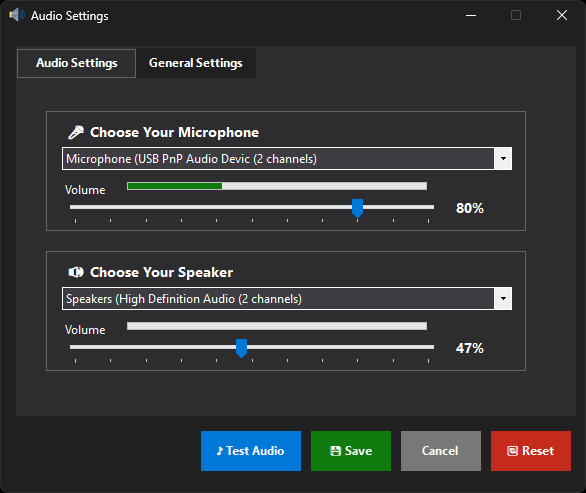
Make sure it's connected and recognized in Windows Sound settings. Select the correct device in TalkDrop Settings. Restart the app after connecting new devices.
My emails aren't sending.
Check your SMTP settings, port, and password. For Gmail, use an App Password. Verify your internet connection.
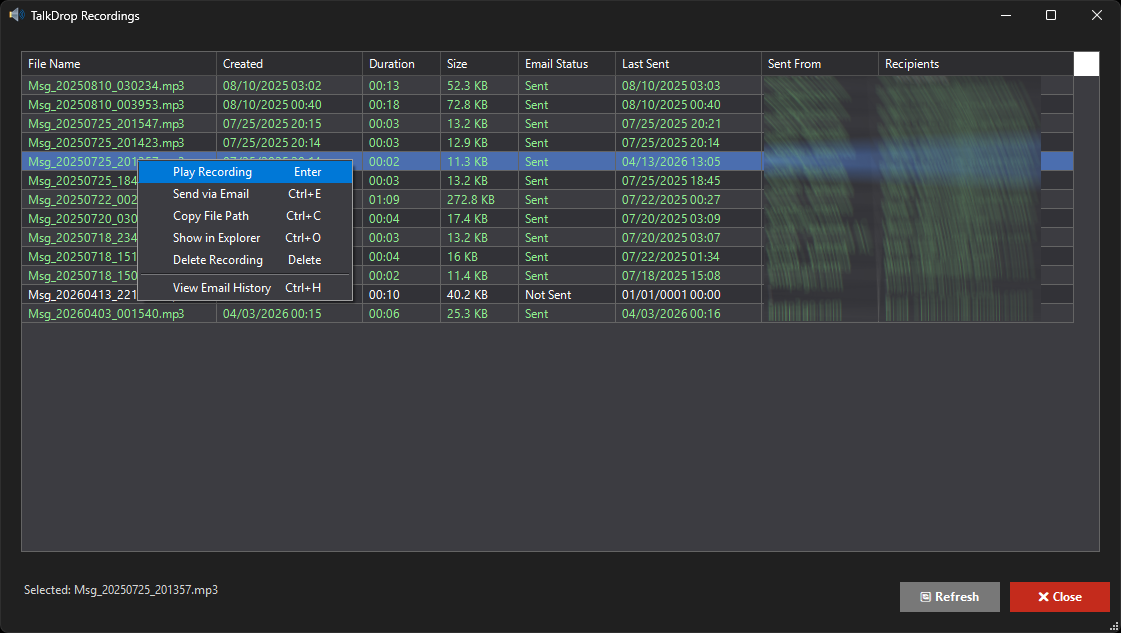
Where are my recordings stored?
Documents\TalkDrop\Voice Messages\. Settings and license files are in Documents\TalkDrop\Settings\.
v1.1.0.0 - Fixed a sorting bug with saved voice mail messages in the recording manager.
v1.0.0.0 - Initial release
Your review goes here
1.1.0.0
Jun 11, 2026 - 02:33 PM
Apr 13, 2026 - 09:13 PM
Windows




No Reviews