
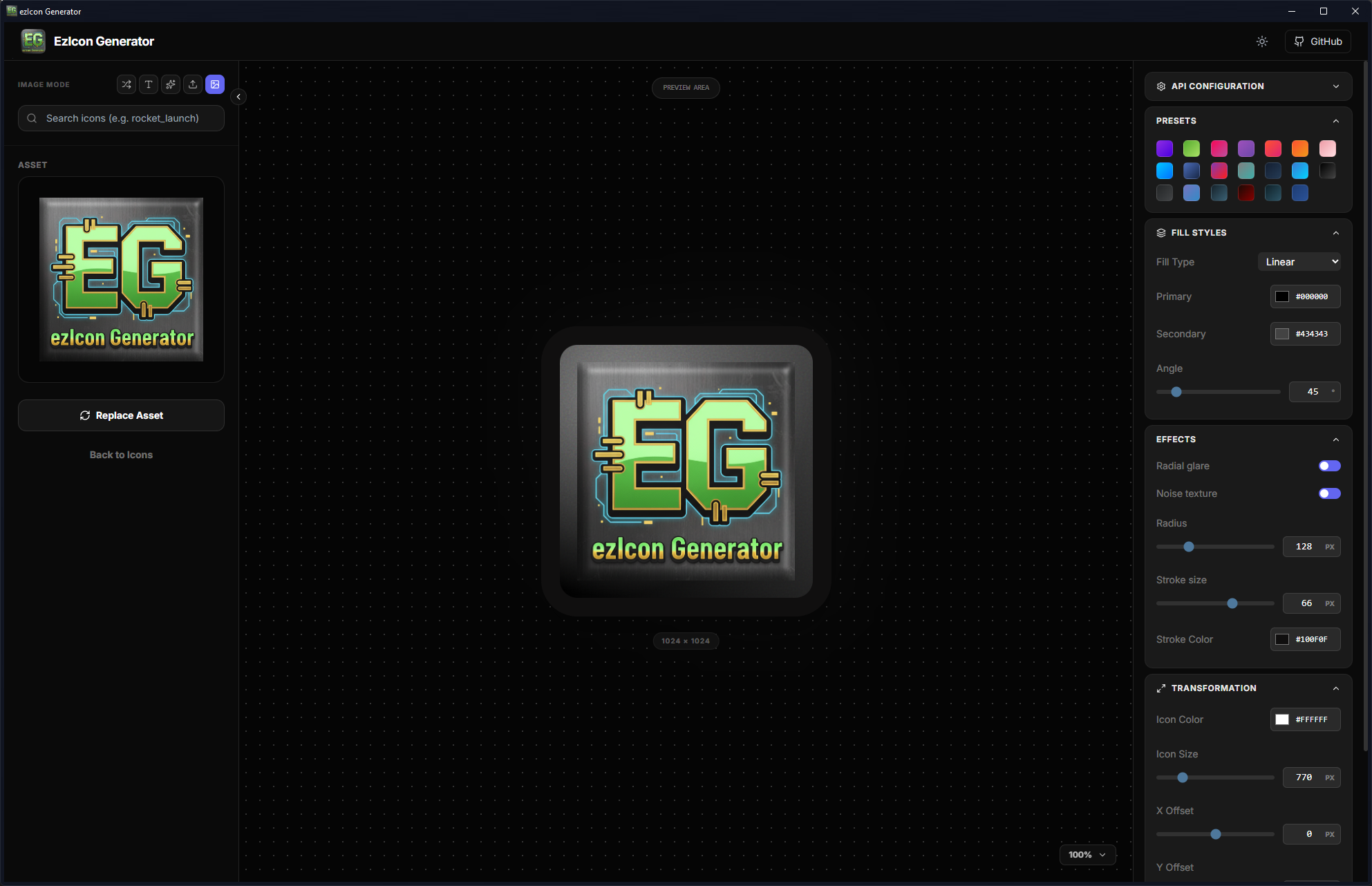
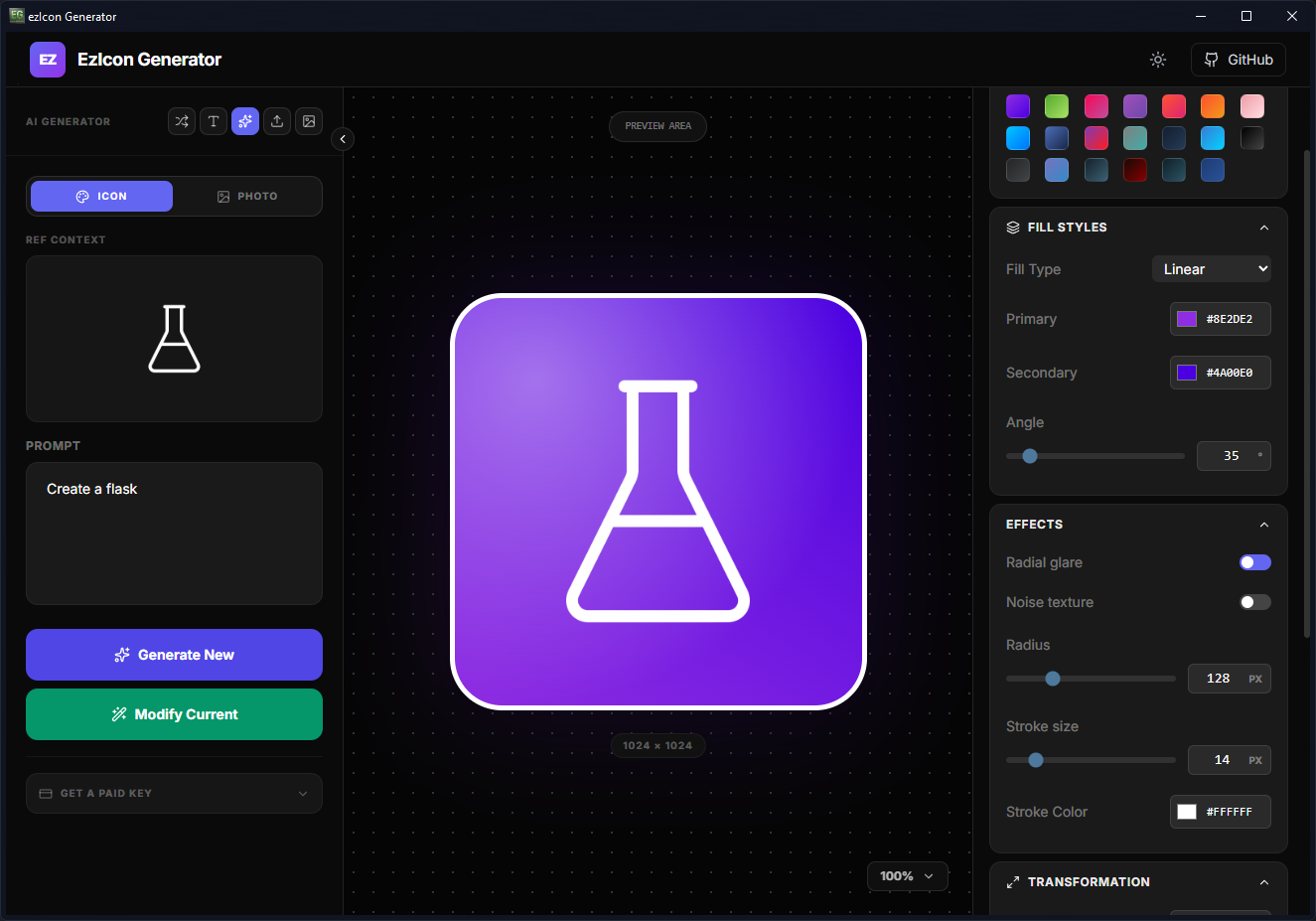
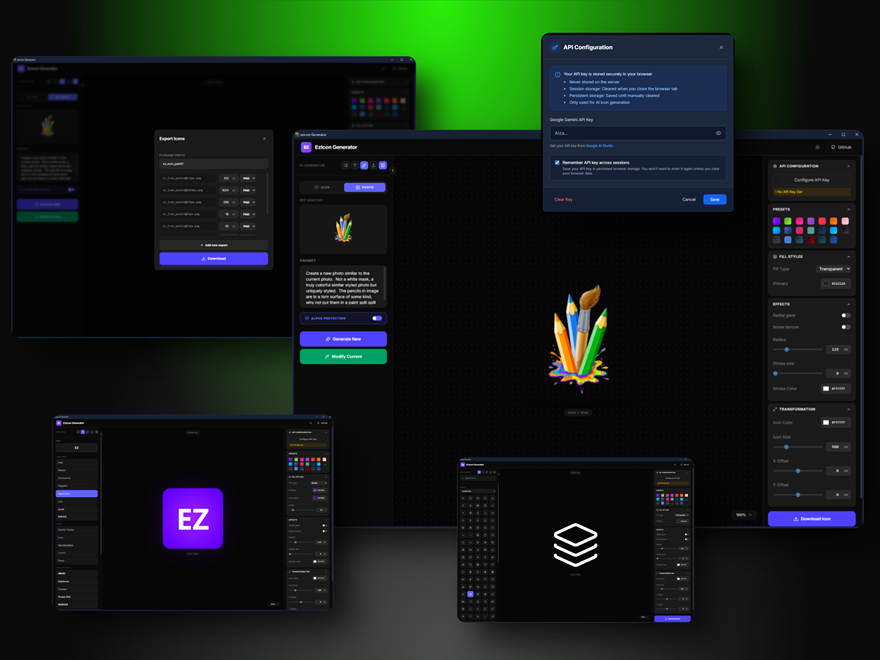
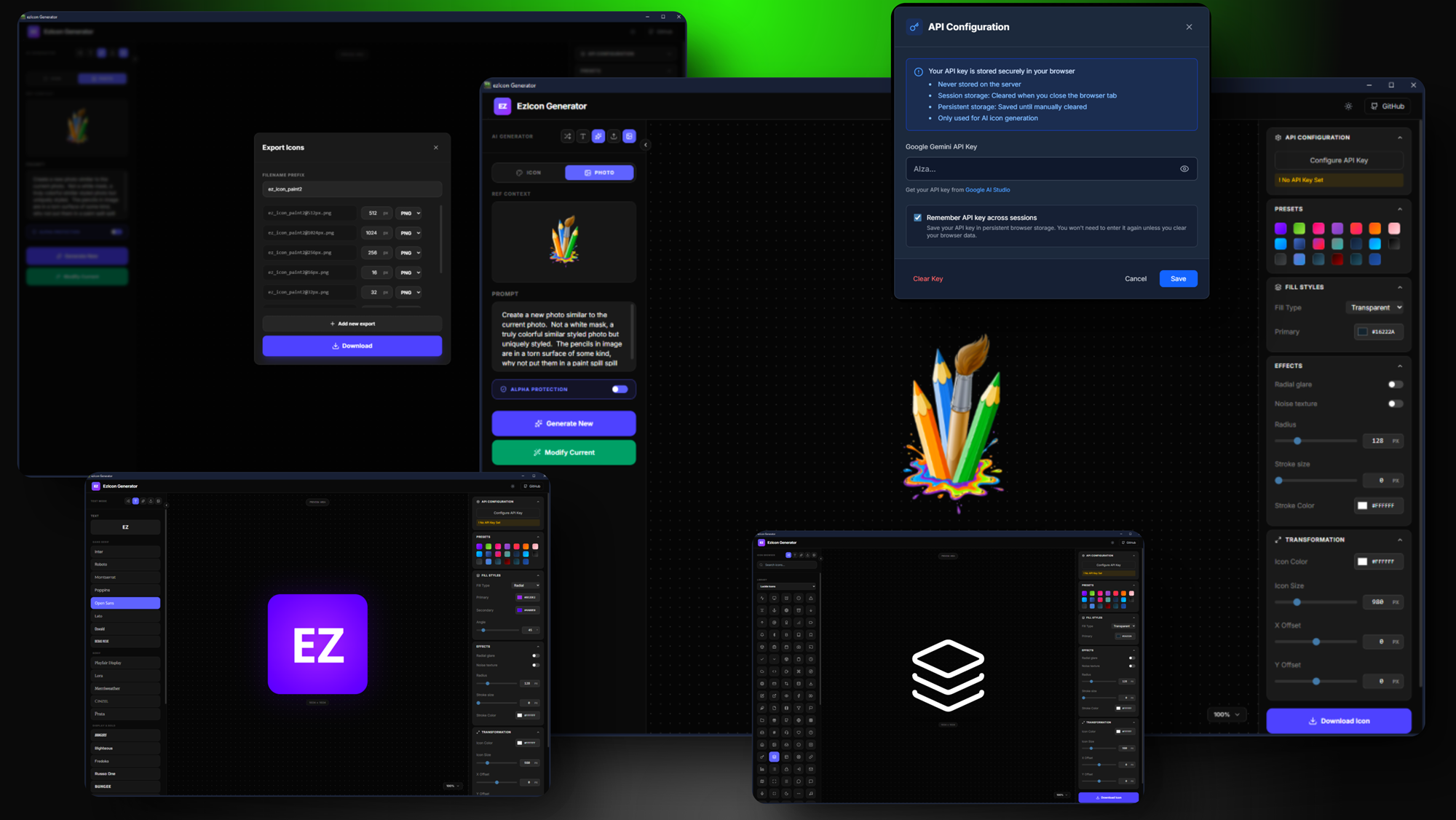
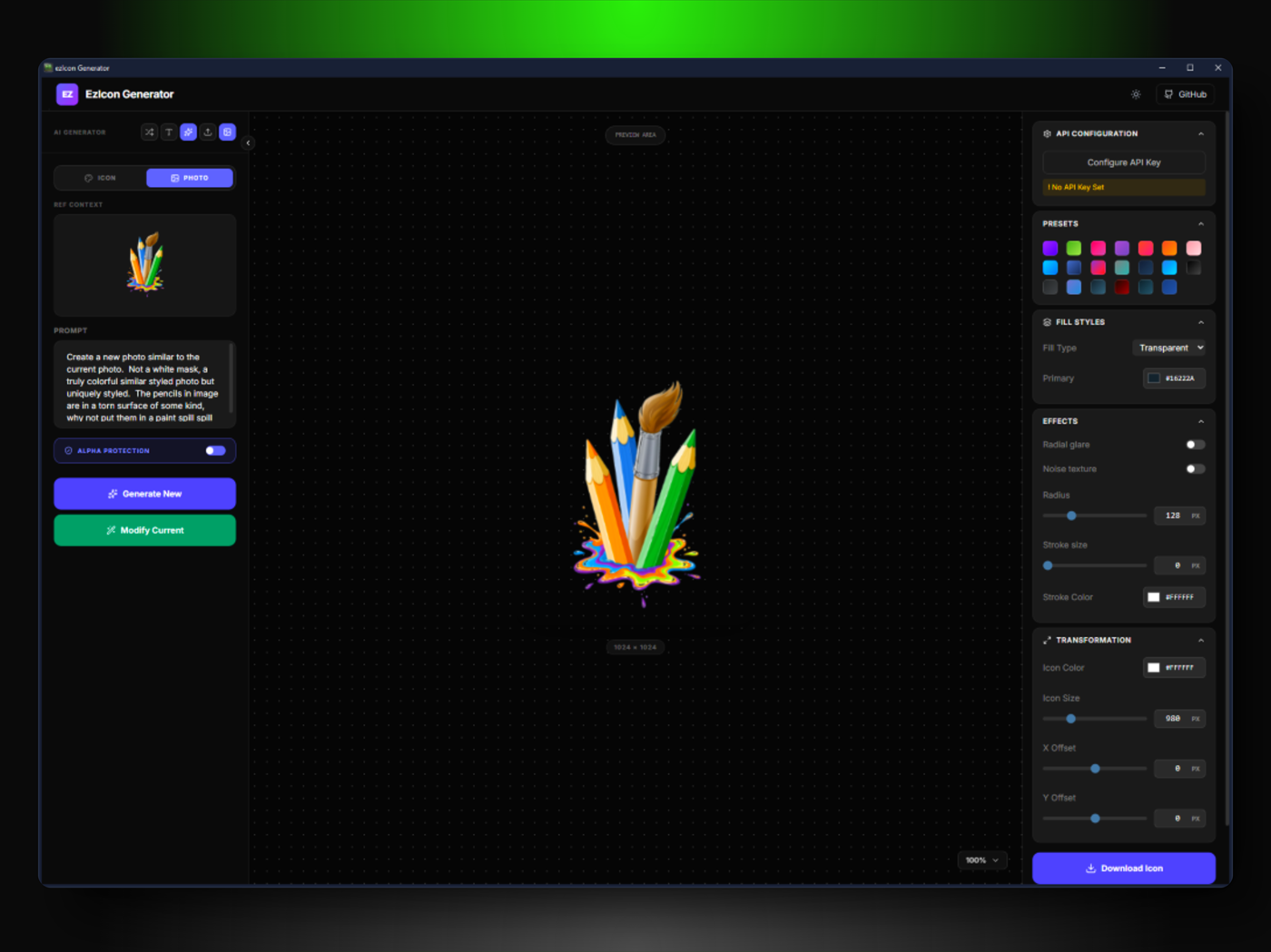
EZIcon Generator is a high-performance tool for creating custom text and image icons with live preview and bulk export. Choose from vast libraries like Material Symbols and Font Awesome, or use your own images and text. With a Google Gemini API Key, you can change icons and also generate unique icons using AI-driven prompts with the power of Nano Banana.
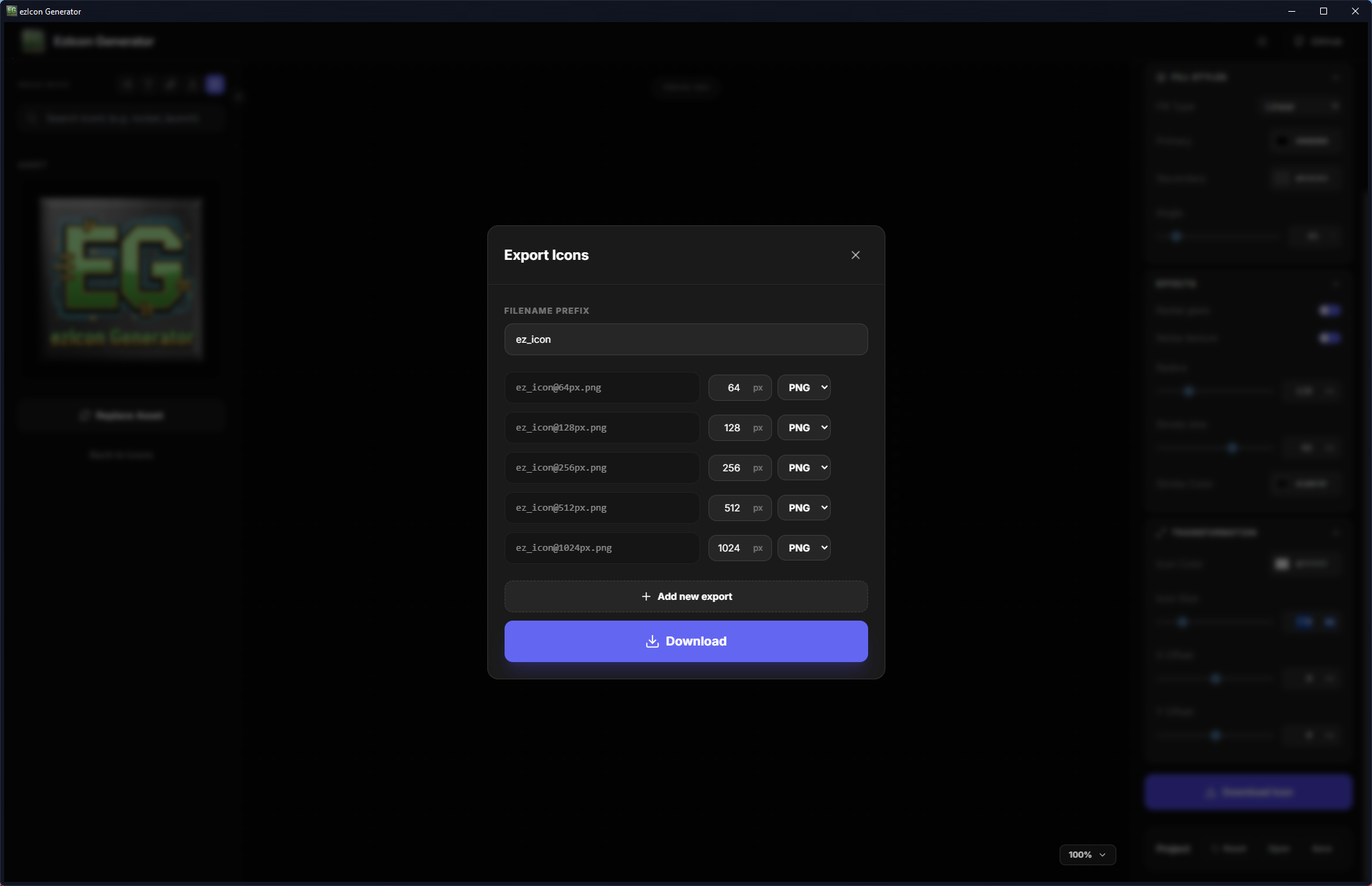
While the generator supports project imports and batch exports in ZIP format, only the professional version allows loading and saving style presets, along with automatic project backups during image archive downloads.
Q. What's the pricing model of the Professional version ezIcon Generator?
A. The ezIcon Generator license is a one-time purchase, no subscription or renewal fee is required. Value-driven pricing.
Q. How many devices are supported for one license?
A. One professional license can activate at most one device at one time for one user.
Q. Where do I find my Hardware ID (System ID) for the order?
A. Open ezIcon Generator, select the menu item Registration, on the registration screen use the COPY button to copy the System ID needed for your order.
See this support forum post if you still need help:
https://forum.ezwarelab.com/threads/ezicon-generator-ordering
Q. Do I need a API key to use this software?
A. Yes and No - You only need a Google Gemini API code if you want to use the AI prompt feature, everything else does not require an API key.
Q. Where do I get an API key and is it FREE?
A. To use the AI features, you'll need a 'key' from Google. Think of it like a digital pass that lets our app talk to Google's smart servers. It's free to start! Just go to AI Studio https://aistudio.google.com and click 'Get API Key,' and paste the code inside the Configure API Key area"
Q. Is my API key safe?
A. Yes! It's much safer using the Windows App rather than adding it to a remote web page, it is stored in the internal browser stored memory.
Q. Are my projects and images shared or stored remotely?
A. No Server Storage: User-uploaded images and project configurations are processed entirely in the browser (LocalStorage) and are not stored on our servers.
Q. Can I Load and Save my icon project settings?
A. Only the professional version allows loading and saving projects including automatic project backups when downloading image archives.
Q. I have an idea for a feature, how can I add it.
A. Contact me with your suggestion and I will see what we can do.
Q. Are you also the owner of Tropicdesigns.net what happened?
A. Yes, I have rebranded with a different web site name that fits better for what I do now.
Q. How was the Windows App designed?
A. The app is designed in HTML/Javascript/CSS/Tailwind/React/Node.js then bundled into a Windows app with WebExeBuilder. See Software Disclaimer for more information.
Q. Where can I find WebExeBuilder?
A. WebExeBuilder is currently in the late stages of development and may be available when you read this, join our exclusive early access list and get WebExeBuilder as soon as it launches. Limited beta spots available!
Join the list here: Click here
**CHANGE LOG**
v1.13 - Bug fix with DPI scaling that caused a blank screen when DPI greater than 150%.
v1.12 - Mostly updating the WebExeBuilder core, some files no longer remote, stored locally now
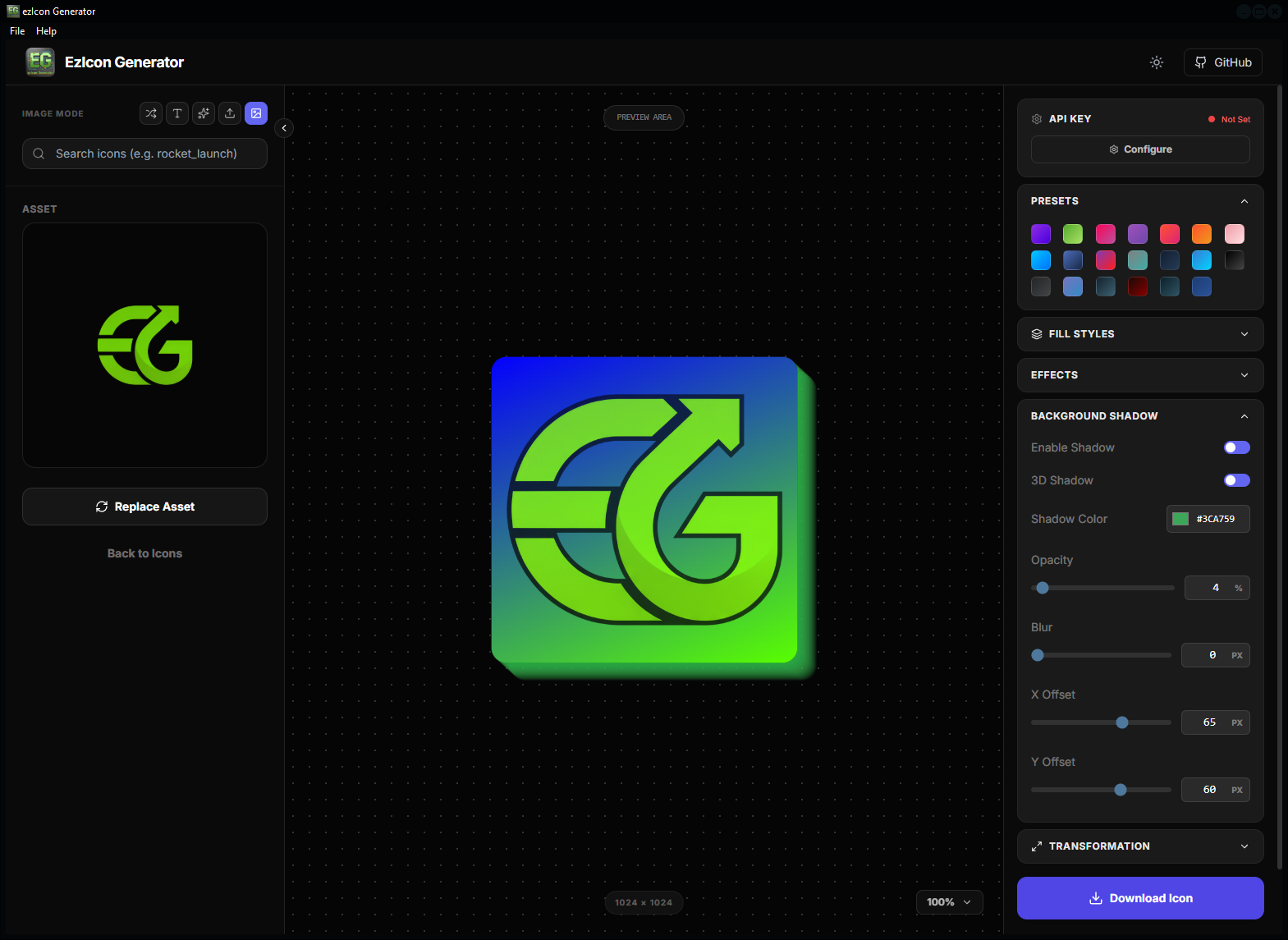
v1.10 - This one has new shadow features (shadowEnabled, shadow3D, shadowColor, shadowOpacity, shadowBlur, shadowOffsetX, shadowOffsetY) and a fix for the Microsoft Store. Fix for about screen compile time, some shadow updates and version changes.
v1.00 - Initial Release
Your review goes here
1.13
Jun 11, 2026 - 02:47 PM
Feb 09, 2026 - 08:58 PM
Windows



No Reviews