
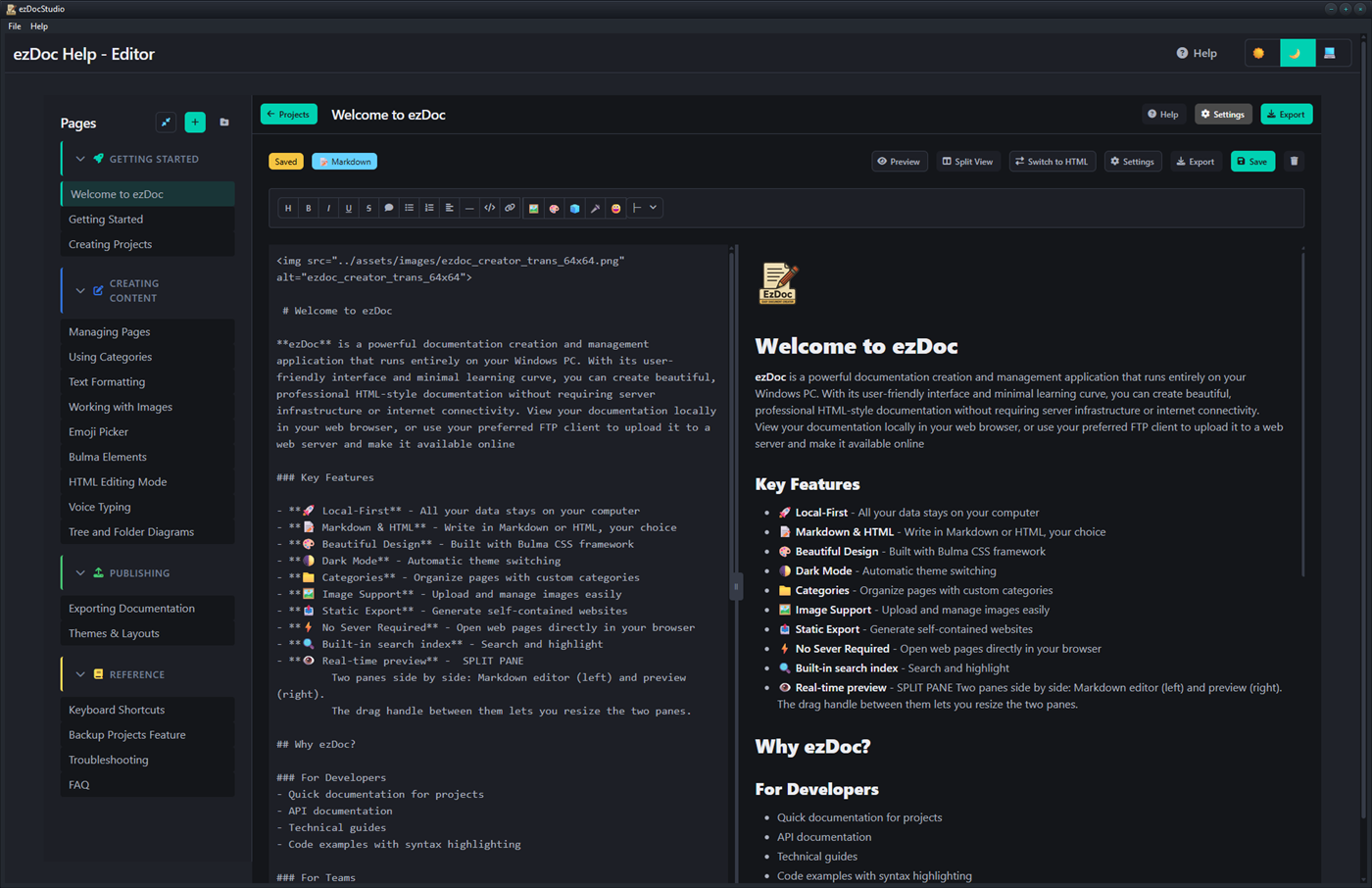
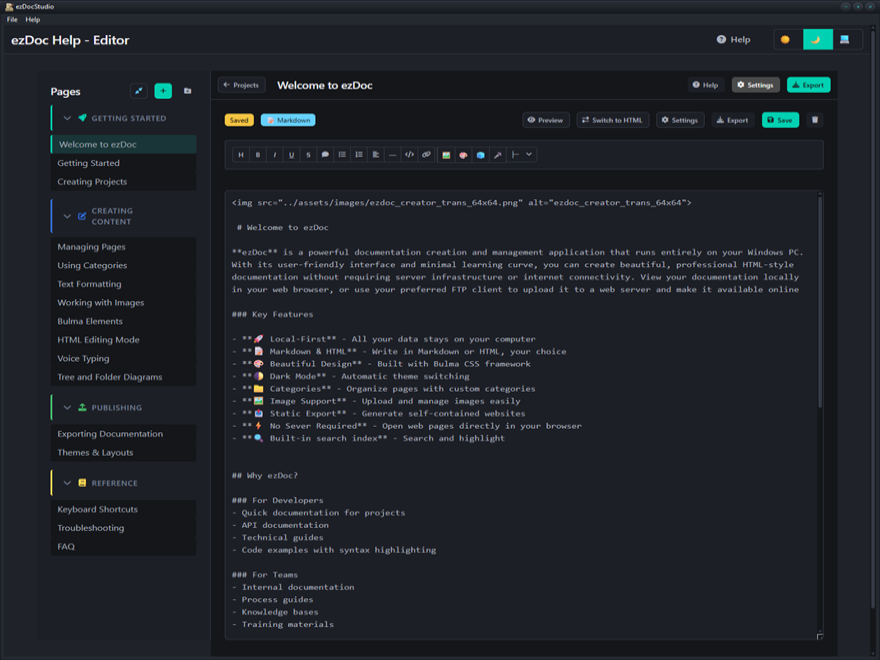
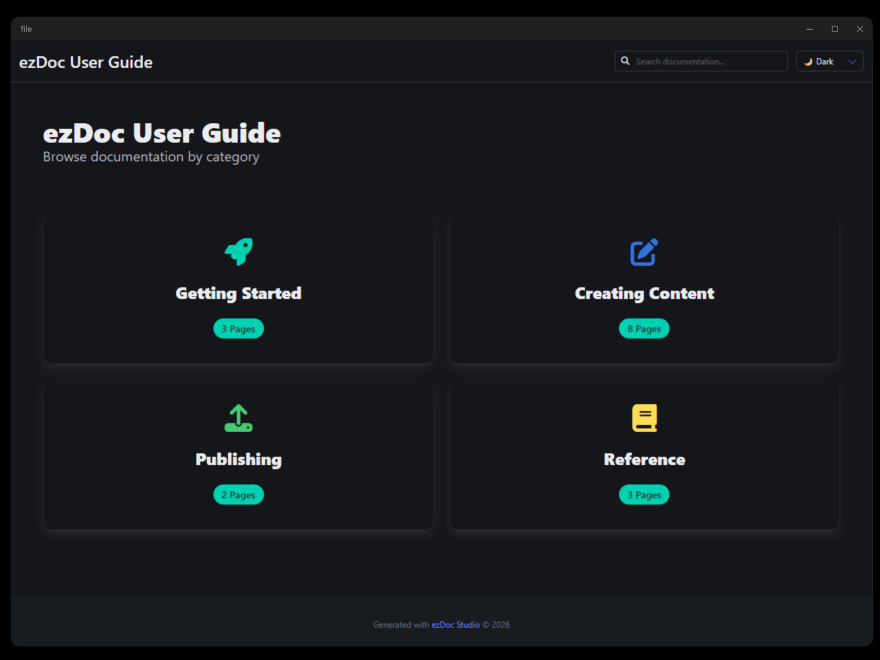
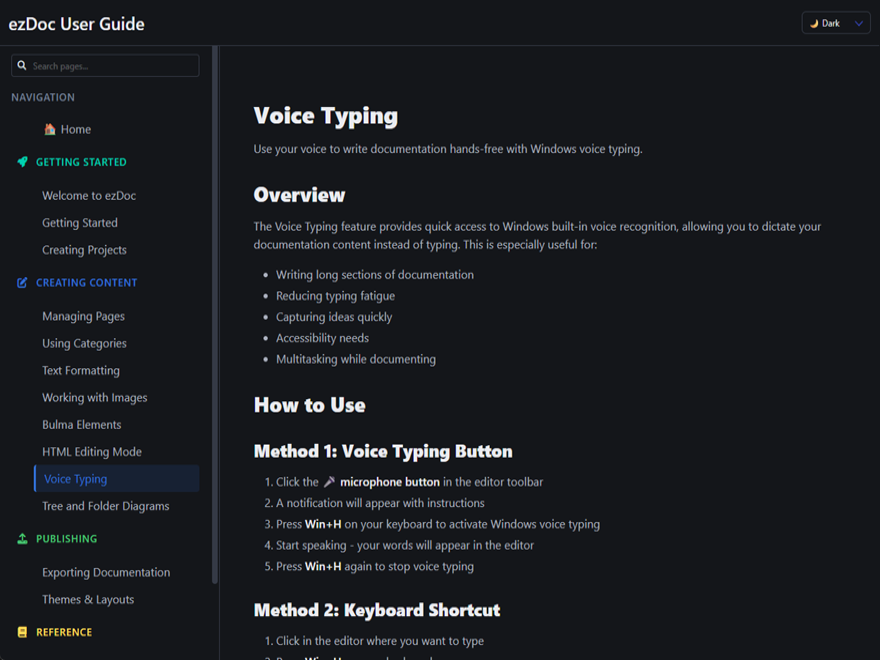
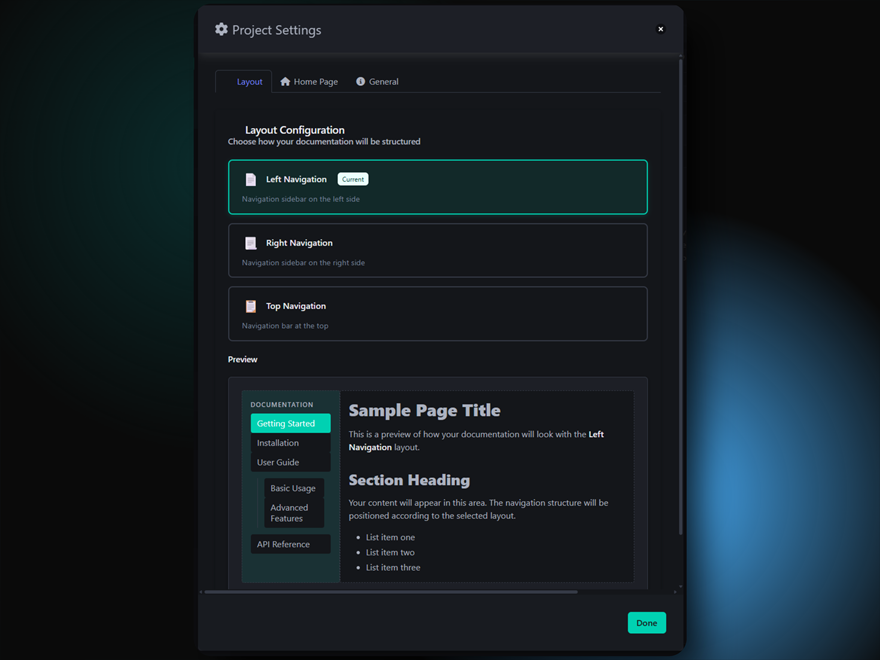
Generate HTML Documentation Instantly. Create beautiful, production-ready help sites without configuration headaches. Our Windows tool generates clean, static HTML files that you can host anywhere: drop the output into any local folder, upload to your web server, or deploy via CDN. Zero dependencies, maximum flexibility.
More information:

Example Document
GENERAL QUESTIONS
--------------------------------------------------------------------------------
Q: What is ezDoc?
ezDoc is a local-first documentation creation tool that runs entirely in
your browser. Create beautiful documentation without servers or internet
connectivity.
Q: Is ezDoc free?
ezDoc has a freemium model:
- Free Version: 2 projects, all core features, branded footer
- Professional: 6 projects, footer customization, priority support
- Commercial: Unlimited projects, full customization, commercial use
The free version is fully functional for personal use!
Q: Do I need an account?
No account required. Start using ezDoc immediately.
Q: Does ezDoc work offline?
Yes! Once loaded, ezDoc works completely offline. Your data never leaves
your computer.
Q: Where is my data stored?
All data is stored locally on your computer in the Documents\ezDoc\ folder:
- Projects Documents\ezDoc\Projects\[ProjectName]\
- Settings Documents\ezDoc\Settings\projects.json
- Templates Documents\ezDoc\Templates\
- Exports Documents\ezDoc\Exports\
Nothing is sent to any server. Your data never leaves your computer.
TECHNICAL QUESTIONS
--------------------------------------------------------------------------------
Q: What browsers are supported?
[YES] Chrome 86+
[YES] Edge 86+
[YES] Opera 72+
[YES] Safari 15.2+ (limited)
[!!] Firefox (alternative methods)
Q: Do I need to install anything?
No installation required. ezDoc runs directly in your browser.
Q: Can I use ezDoc on mobile?
ezDoc is optimized for desktop. Mobile browsers have limited File System
API support.
Q: Does ezDoc require internet?
Internet is needed for:
- Initial load
- CDN resources (Bulma, Font Awesome)
- After that, works offline
Q: What file formats does ezDoc support?
- Markdown (.md)
- HTML (.html)
- Images (JPG, PNG, GIF, SVG, WebP)
FEATURES QUESTIONS
--------------------------------------------------------------------------------
Q: Can I add images?
Yes! Use the Insert Image button to upload and manage images.
Q: Can I use custom CSS?
Yes, in HTML mode you can add custom styles.
Q: Does ezDoc support code highlighting?
Yes! Code blocks automatically get syntax highlighting.
Q: Can I organize pages into categories?
Yes! Create categories with custom icons and colors.
Q: Can I export my documentation?
Yes! Export to static HTML that works anywhere.
Q: Can I backup and restore projects?
Yes! Use the Import/Export feature to:
- Export: Save a project as a portable backup file
- Import: Restore a project from a backup file
This is great for:
- Moving projects between computers
- Creating backups before major changes
- Sharing project templates
Note: Import is limited by your license's project count
(Free: 2, Professional: 6, Commercial: Unlimited).
Q: Does the exported site need a server?
No! Exported sites are static HTML and work without a server.
v1.21 - Feature added to insert a current page link which formats the URL automatically
v1.20 - Fix on export for md to html links errors. Light mode navigation font weight increased slightly.
v1.10 - Major change to how files are stored and retrieved, drag and drop bug fix.
v1.01 - Core updates, bug fix with DPI scaling.
v1.00 - Initial release
Your review goes here
1.21
May 15, 2026 - 05:21 AM
Jan 30, 2026 - 10:24 PM
Windows



No Reviews